
What is bleed?
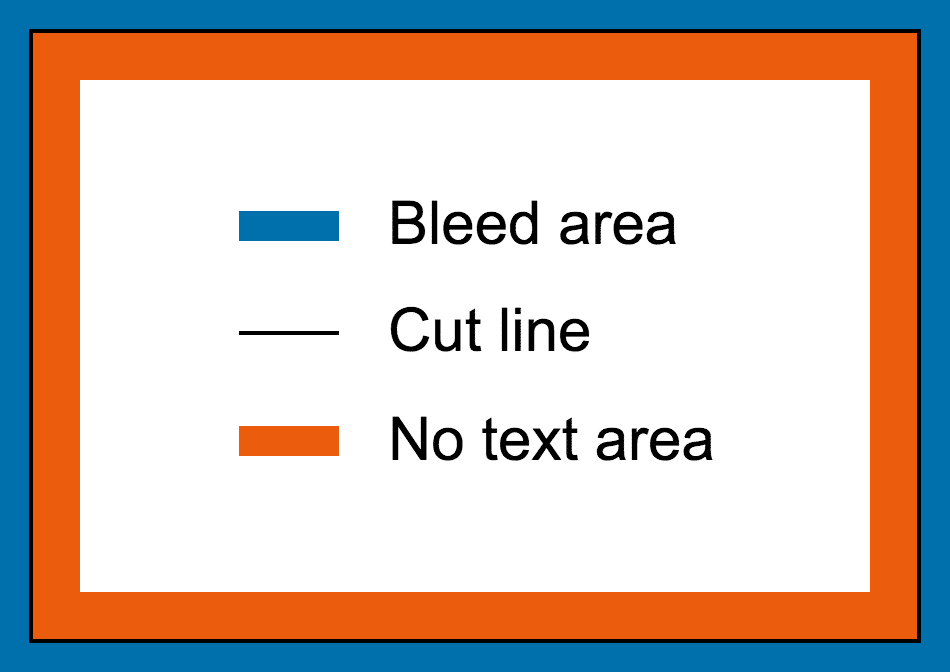
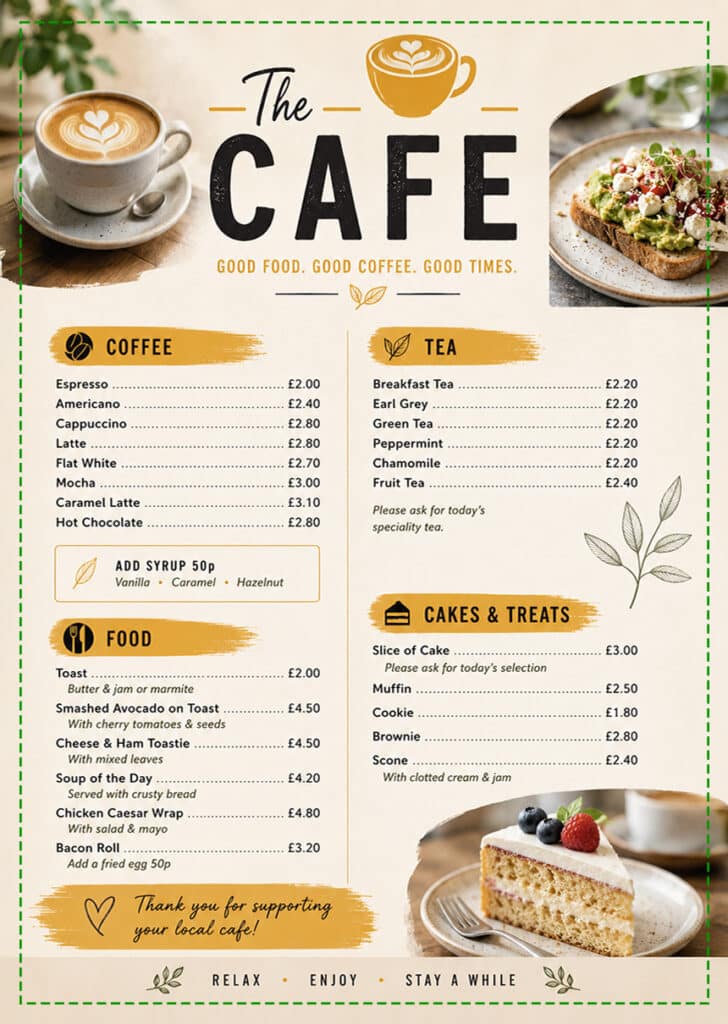
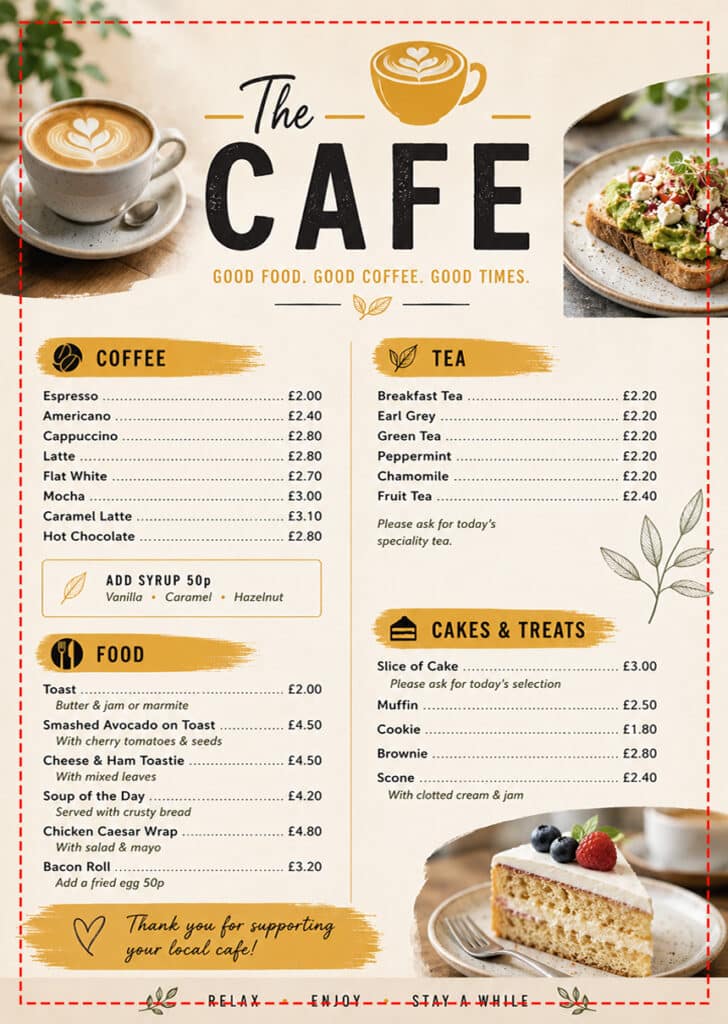
Bleed refers to an additional area of your artwork beyond the cut line (the outer edge of your artwork). It is important to provide 3mm of bleed around the edge of your artwork to ensure that no white paper is left showing at the edges of your finished product.
It is also important to keep all text and borders at least 5mm inside the cut line – this 5mm area is known as the no text area.
How big should the document be?
If you require 3mm bleed, you will need an extra 3mm on all four sides of the artwork. As an example, for an A4 flyer, the finished size after printing will be 210 x 297 mm. With 3mm bleed added to all four sides, the artwork you supply would therefore need to be 216 x 303 mm.
How to add a bleed to your design
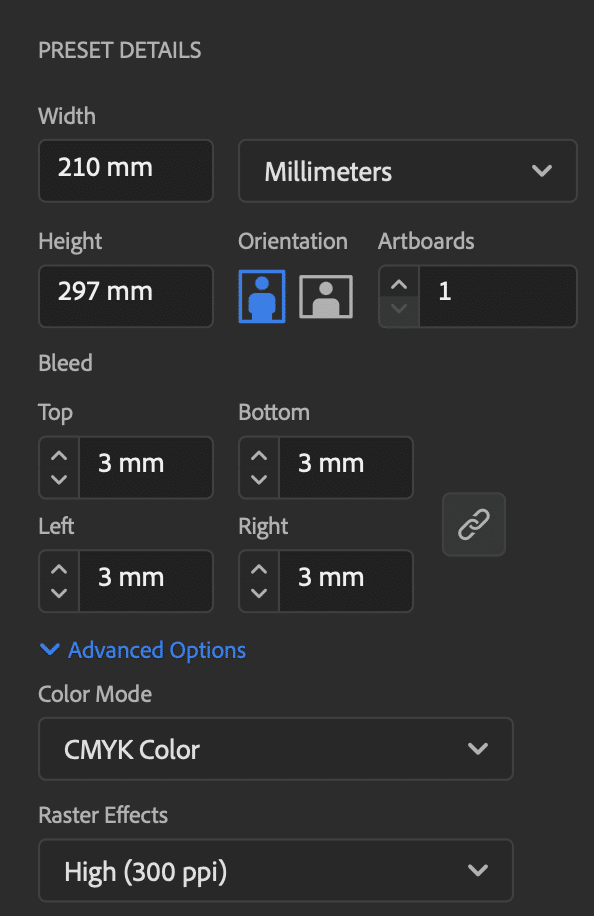
Firstly, when creating your document, ensure that you have 3mm bleed selected for top, bottom, left and right:
Then follow one of the links below to view a guide on how to set up in your design software:
|
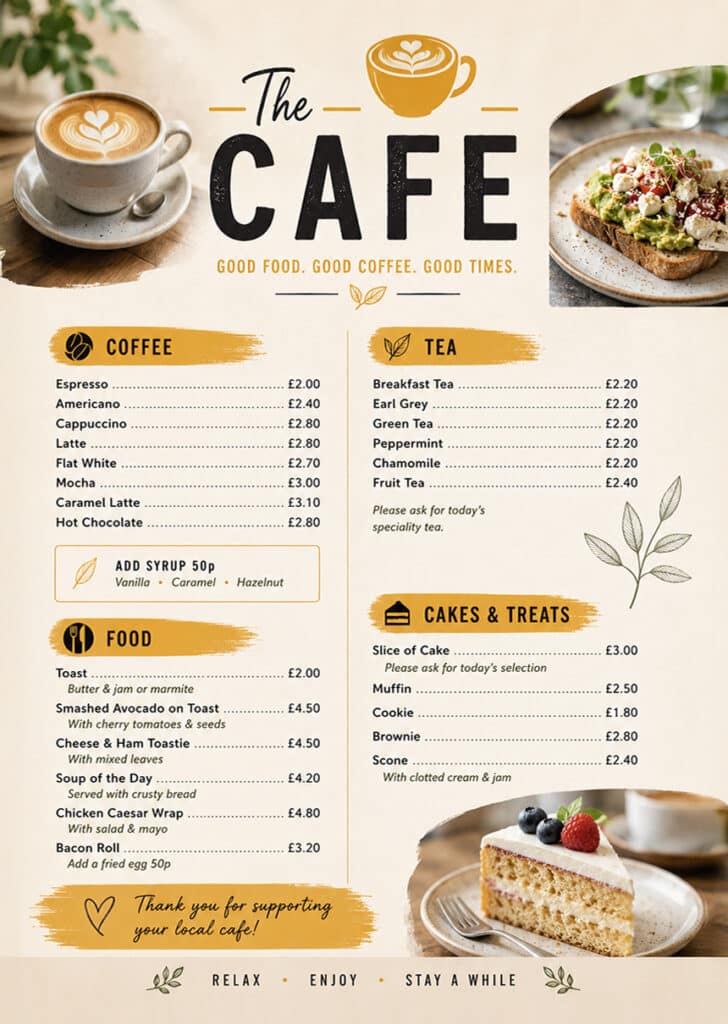
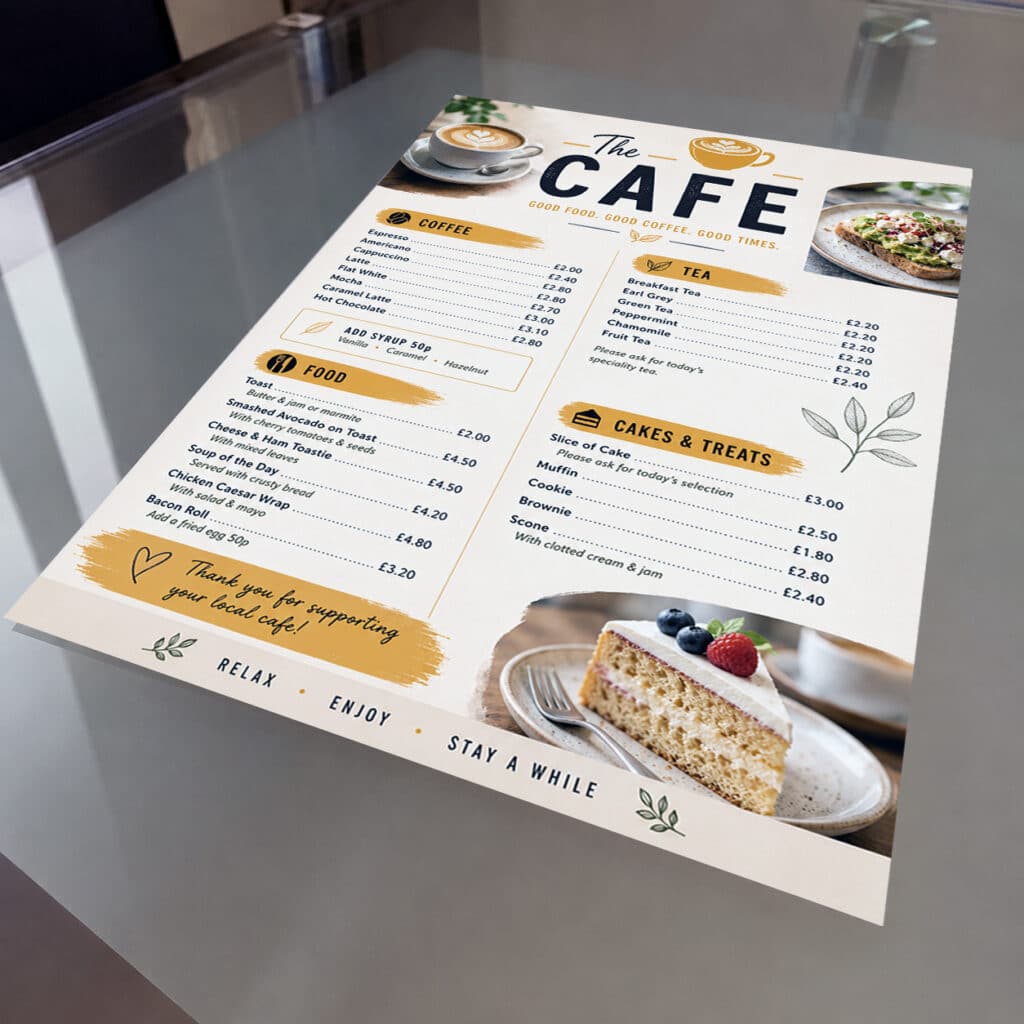
GOOD EXAMPLE |
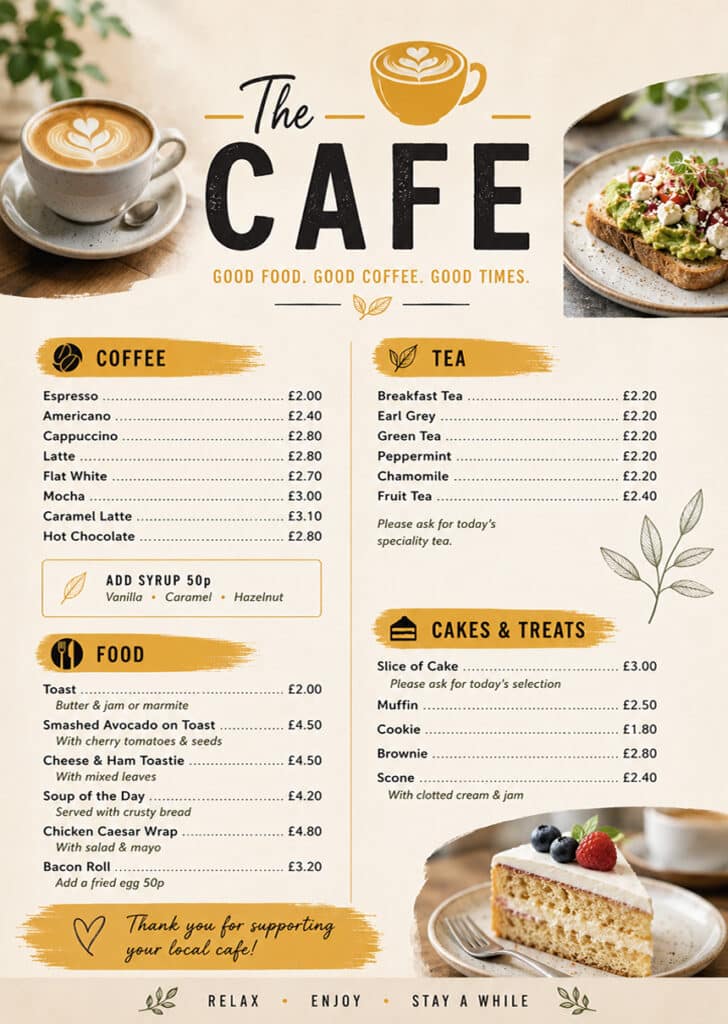
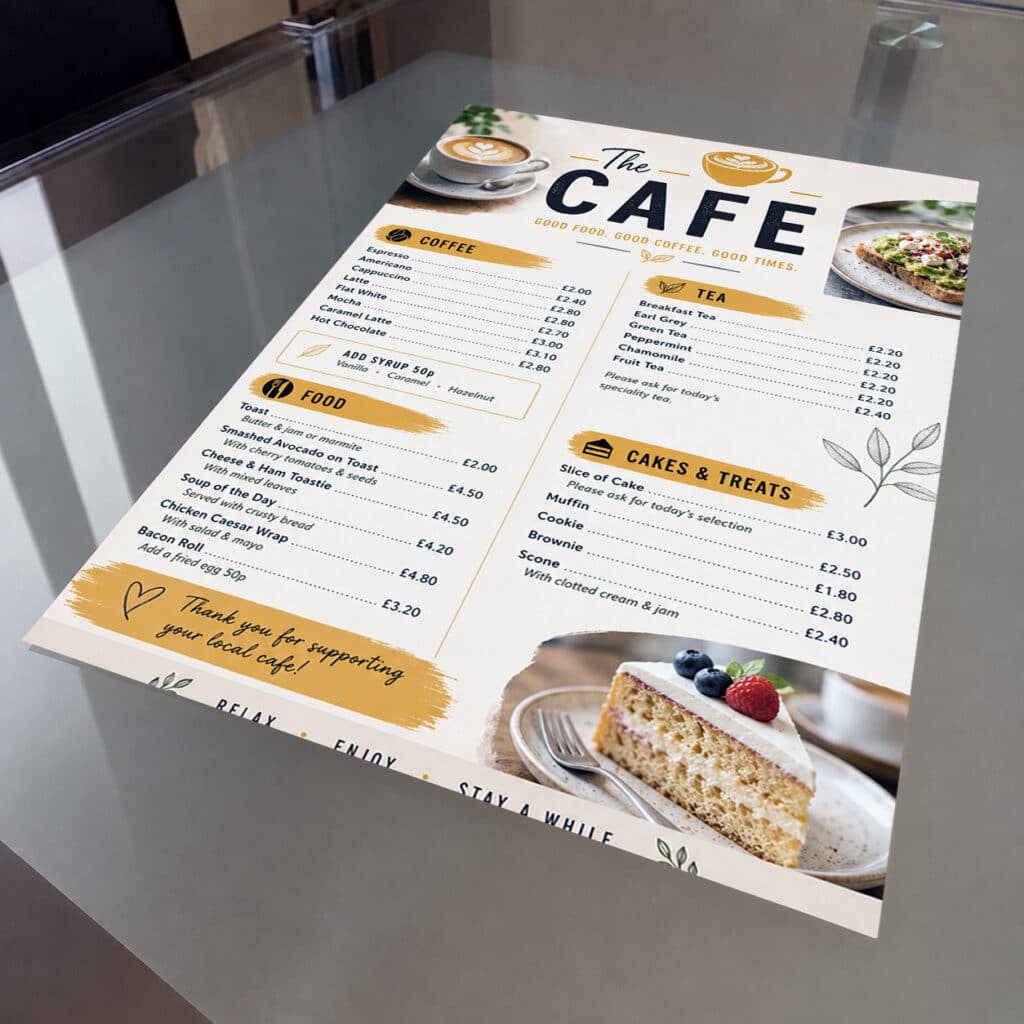
BAD EXAMPLE |
|
| Artwork including bleed: | ||
 |
 |
|
| Artwork with dotted line to indicate bleed mark: | ||
 |
 |
|
| Finished product after printing – note how some of the text has been cut off in the bad example: | ||
 |
 |
|